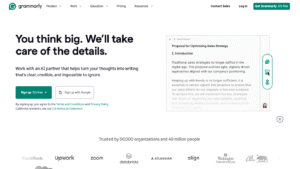
When you’re typing an important email or finishing a last-minute essay, the last thing you want to worry about is a silly spelling mistake. You’ve probably seen the ads everywhere, and the question on your mind is simple: Is Grammarly actually free?
The short answer is yes, but there is a bit more to the story. In this guide, we’ll break down exactly what you get for zero dollars and when it might be time to pull out the wallet.
Grammarly follows a “freemium” model. This means they offer a free-forever version that anyone can use without ever paying a dime. Unlike some “free trials” that expire after seven days, Grammarly Free stays free for as long as you have an account.
1. What Do You Get for Free?
The free version is surprisingly powerful. If you are a casual writer or a student on a budget, the free plan includes:
- Basic Grammar & Spelling: It catches typos that your phone or computer might miss.
- Punctuation Checks: No more “comma splices” or missing periods.
- Tone Detection: It shows you a little emoji to let you know if you sound “friendly,” “formal,” or “concerned.”
- Generative AI (100 Prompts/Month): You can ask the AI to “make this sound more professional” or “summarize this paragraph” up to 100 times every month for free.
2. The Catch: What’s Missing?
While the free version is great, it acts like a “basic” filter. It won’t catch everything. To unlock the “Pro” features, you have to upgrade. The free version does not include:
- Plagiarism Checker: Essential for students to ensure their work is original.
- Full-Sentence Rewrites: The AI won’t automatically rewrite a messy sentence to make it flow better.
- Advanced Tone Adjustments: It won’t help you sound more “confident” or “diplomatic” with specific word changes.
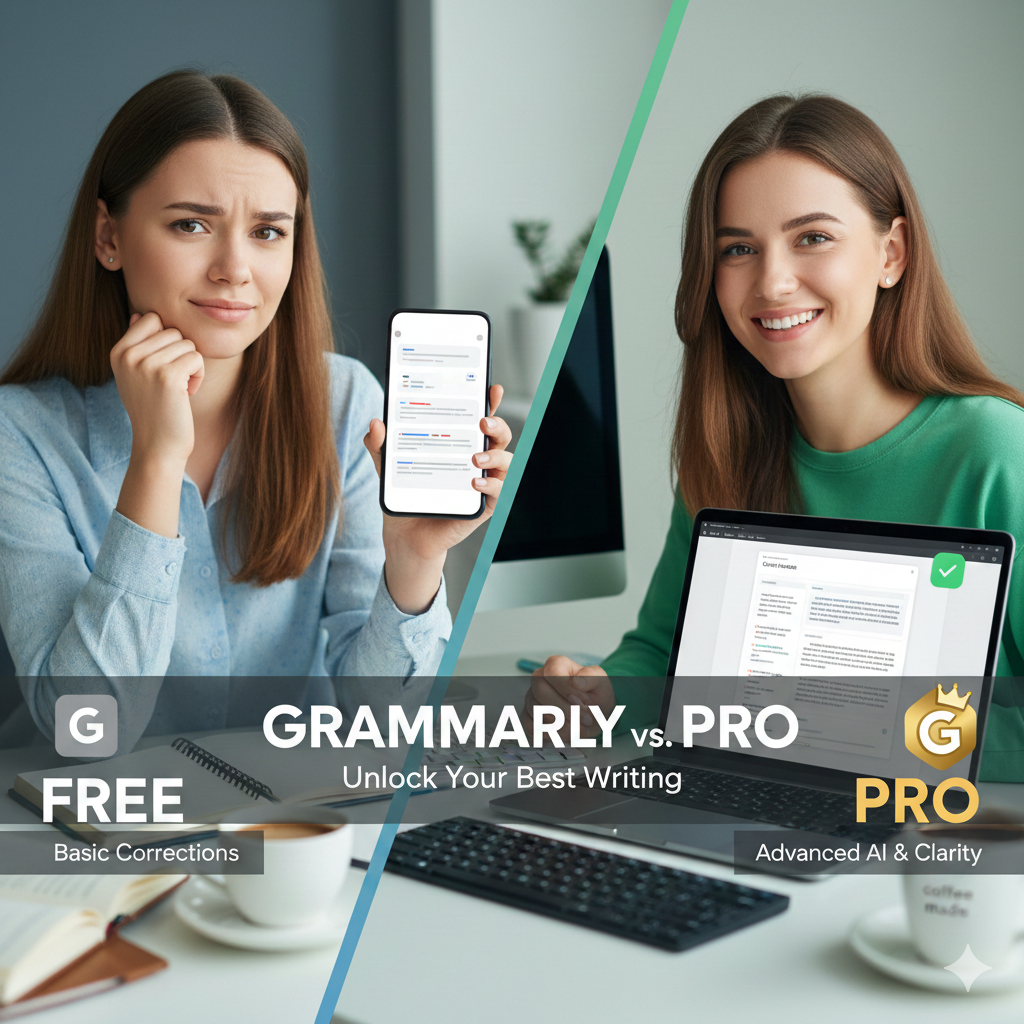
Grammarly Free vs. Pro: At a Glance
| Feature | Free Plan | Pro Plan (Paid) |
| Cost | $0 | $12/mo (Annual) |
| Grammar & Spelling | Basic | Advanced |
| Tone Detection | ✅ Yes | ✅ Yes (with adjustments) |
| AI Prompts | 100 per month | 2,000 per month |
| Plagiarism Checker | ❌ No | ✅ Yes |
| Clarity Rewrites | ❌ No | ✅ Yes |
Helpful Video: Is the Free Version Enough?
If you want to see a side-by-side comparison of the Free and Pro versions in action, check out this excellent breakdown by tech expert Kevin Stratvert. He puts both versions to the test to see if you actually need to spend the money.
How to Get Grammarly for Free (Step-by-Step)
Getting started is easy and doesn’t require a credit card:
- Visit the Website: Go to Grammarly.com.
- Click “Get Grammarly”: Look for the button that says “It’s Free.”
- Sign Up: Use your email, or sign in quickly with Google, Apple, or Facebook.
- Install the Extension: Add Grammarly to your browser (Chrome, Safari, etc.). This allows it to follow you to Gmail, Google Docs, and even Twitter.
- Start Writing: As you type, look for the green/red circles in the corner of your text box. Click them to see your free suggestions!
Is It Worth It for You?
- Use the Free Version if: You just want to avoid embarrassing typos in emails, social media posts, or casual chats. It’s perfect for basic “safety” while writing.
- Upgrade to Pro if: You are a professional writer, a college student writing long papers, or someone who sends high-stakes business proposals. The plagiarism checker and clarity rewrites are game-changers for these tasks.